
Animation used to be the dividing line between hobbyist creators and professional studios. If you wanted a 30-second animated explainer, a stylized character loop, or even a simple animated logo, you were looking at either weeks of learning After Effects or thousands of dollars hiring a freelancer. In 2026, that wall has effectively come down. AI animation tools have matured to the point where a solo creator with a clear idea can produce broadcast-quality motion in an afternoon.
This guide is for anyone who’s been curious about AI animation but didn’t know where to start. I’ll cover what to look for in a generator, how to actually get good output, and where this technology fits into a real content workflow.
Why AI Animation Hit Its Stride in 2026
For the last two years, AI video has been dominated by photorealistic generation — talking heads, cinematic b-roll, product shots. Animation lagged behind because it requires something different: consistent characters, stylized motion, and the ability to repeat a “look” across multiple clips. That’s a much harder problem than generating a single realistic shot.
In 2026, we finally have models that solve for style consistency. You can define a character once and reuse them across scenes. You can lock an art style — anime, 3D Pixar-esque, hand-drawn 2D, claymation — and generate variations that actually match. This is what makes AI animation usable for storytelling rather than just one-off novelty clips.
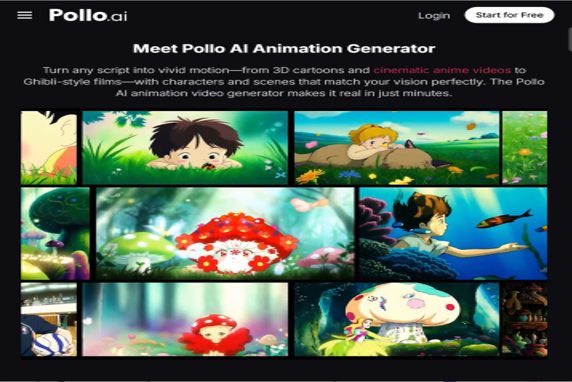
The tool I keep returning to is Pollo AI’s AI animation generator, which lives inside the Pollo AI Creative Studio. What I like about it is that it doesn’t lock you into one engine. Animation styles vary wildly, and no single model is best at everything — anime motion needs different handling than 3D character work or whiteboard explainers. Pollo AI aggregates the top models in one interface, so you can match the engine to the style instead of forcing every project through the same pipeline.
What Separates a Good AI Animation Tool From a Bad One
After testing pretty much every animation generator that launched in the last 12 months, I’ve narrowed down what actually matters.
Style consistency across clips. If your character’s hair color shifts between shot 1 and shot 2, the illusion breaks instantly. Look for tools that let you save a reference image or character sheet.
Motion control, not just prompt-and-pray. The best tools let you specify camera moves, character actions, and timing. Pure text-to-animation is fun but unpredictable.
Sensible duration limits. Most models cap clips at 5–10 seconds. That’s fine — you stitch them together later. Be wary of anything promising unlimited length in one generation; the quality always drops.
A real editing layer. Generation is only half the job. You need to trim, sequence, add audio, and export. Tools that send you to a separate editor for every step kill momentum.
Building a Workflow That Actually Ships
Here’s how I approach a typical animation project — say, a 30-second animated short for an Instagram Reel or a YouTube Short.
Start with a script. Even 10 seconds of animation needs a beginning, middle, and end. Write out the beats in plain language: “Character walks into café. Sees the menu. Eyes light up. Orders. Smiles.”
Next, lock your style. Generate or upload a single reference image that captures the look — color palette, character design, environment vibe. This becomes your north star for every subsequent generation.
Now generate scene by scene. Don’t try to produce a 30-second sequence in one prompt. Break it into 5-second beats, generate each one with the same style reference, and review before moving on.
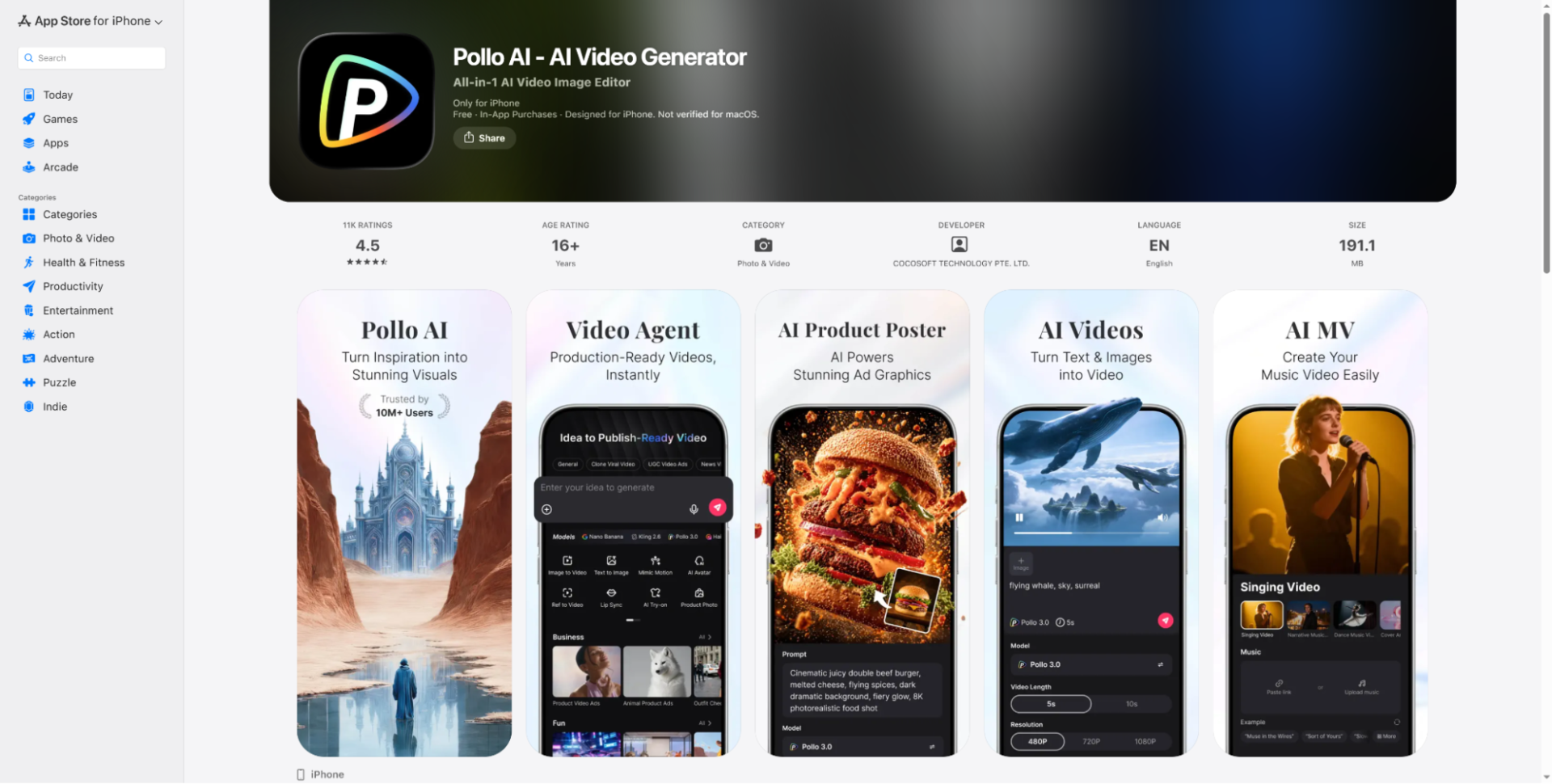
This is also where mobile becomes useful. A lot of my iteration happens while I’m out — coffee shops, commutes, anywhere I have ten quiet minutes. The Pollo AI app on iOS makes this genuinely practical. I can queue up generations from my phone, review outputs as they finish, and only sit down at my laptop for final assembly. Being able to keep a project moving without being chained to a desk has changed how much I actually ship.
Finally, edit and add audio. Bring your clips into any timeline editor, add transitions where needed, layer in voiceover or music, and export. The audio step is the one most beginners skip, and it’s the one that makes the biggest perceived quality jump.
Where AI Animation Fits (and Where It Doesn’t)
Let’s be honest about what this technology is good for in 2026.
It’s excellent for short-form social content — animated TikToks, Reels, Shorts, animated memes, stylized brand explainers under 60 seconds. It’s also great for storyboarding and pre-visualization. If you’re pitching a longer project, AI animation lets you produce a motion mockup in hours instead of weeks.
It’s not yet ready for feature-length narrative work where you need a single character to maintain perfect consistency across 90 minutes. We’ll probably get there in the next year or two, but right now, the seams show on longer projects.
It’s also not a replacement for actual animators on high-budget work. What it does replace is the gap between “I have an idea” and “I have something to show people.” That gap used to be impassable for solo creators. Now it’s a Tuesday afternoon.
Common Mistakes That Tank Your Results
The biggest mistake I see is treating AI animation like a slot machine — hitting generate over and over with vague prompts and hoping something good comes out. The creators getting the best results in 2026 are the ones who plan first and generate second.
The second mistake is style drift. If you’re generating multiple clips for the same project, always reference your original style image. Don’t trust the model to “remember” what you did yesterday — it won’t.
The third is over-relying on default music and stock sound effects. Generic audio makes even gorgeous animation feel cheap. Spend 15 extra minutes finding the right track and your output instantly looks more expensive.
Final Thoughts
AI animation in 2026 is in a genuinely exciting place. The tools are powerful, the costs are reasonable, and the learning curve has flattened to the point where anyone with a clear creative vision can produce work that would have been impossible to make solo just two years ago. Pollo AI is the platform I keep recommending because it consolidates the best models and gives you a real mobile workflow on top of it — but whatever tool you pick, the principle is the same: plan your scenes, lock your style, generate in small beats, and always finish with sound. The creators winning right now aren’t the ones with the fanciest tools. They’re the ones actually shipping.

Useful resource! We have been building Revamp, an AI website redesign tool that turns any URL into a modern responsive site in about 2 minutes. Would love to see it listed here.
Breaking animation into short, reviewable beats is practical advice—especially when a team needs to compare motion, pacing, and style before committing to an edit. We have found it useful to test the same creative brief across a few video models first, then bring the strongest sequence into the timeline. That makes the “plan first” point much easier to apply in practice.