Seven reservation and checkout tools compared by someone who has chased an overdue projector.
I ran the tool wall at a makerspace for three years, and before that I kept a nonprofit's equipment closet. A few things I learned the hard way. The laser cutter will get double-booked for two workshops on the same Saturday. A projector will leave with a volunteer who quits in March, and nobody notices until June. And the spreadsheet stops getting updated the week its owner goes on vacation.
None of this is bad intent. Spreadsheets were never built for a rotating cast of members who want to grab a cordless drill, reserve the CNC, and return things without a staff member at the shelf. Checkout software closes that gap: someone books an item, scans it out, and the system remembers who has it.
How this ranking was built: I weighted what matters at the shelf. Can a first-time borrower check something out without help? Do reservations block double-booking? Is there a custody trail when something comes back broken? Can a small budget survive the pricing? Prices change, so confirm details on each vendor's site.
Quick ranking
1. WhoHasGear — best overall.
2. Cheqroom — asset operations for bigger organizations.
3. Shelf — open source with modern booking.
4. myTurn — tool libraries and lending programs.
5. itemit — deep records and maintenance reminders.
6. Sortly — simple inventory.
7. Snipe-IT — free self-hosted, IT-style checkouts.
1. WhoHasGear.com — Best overall
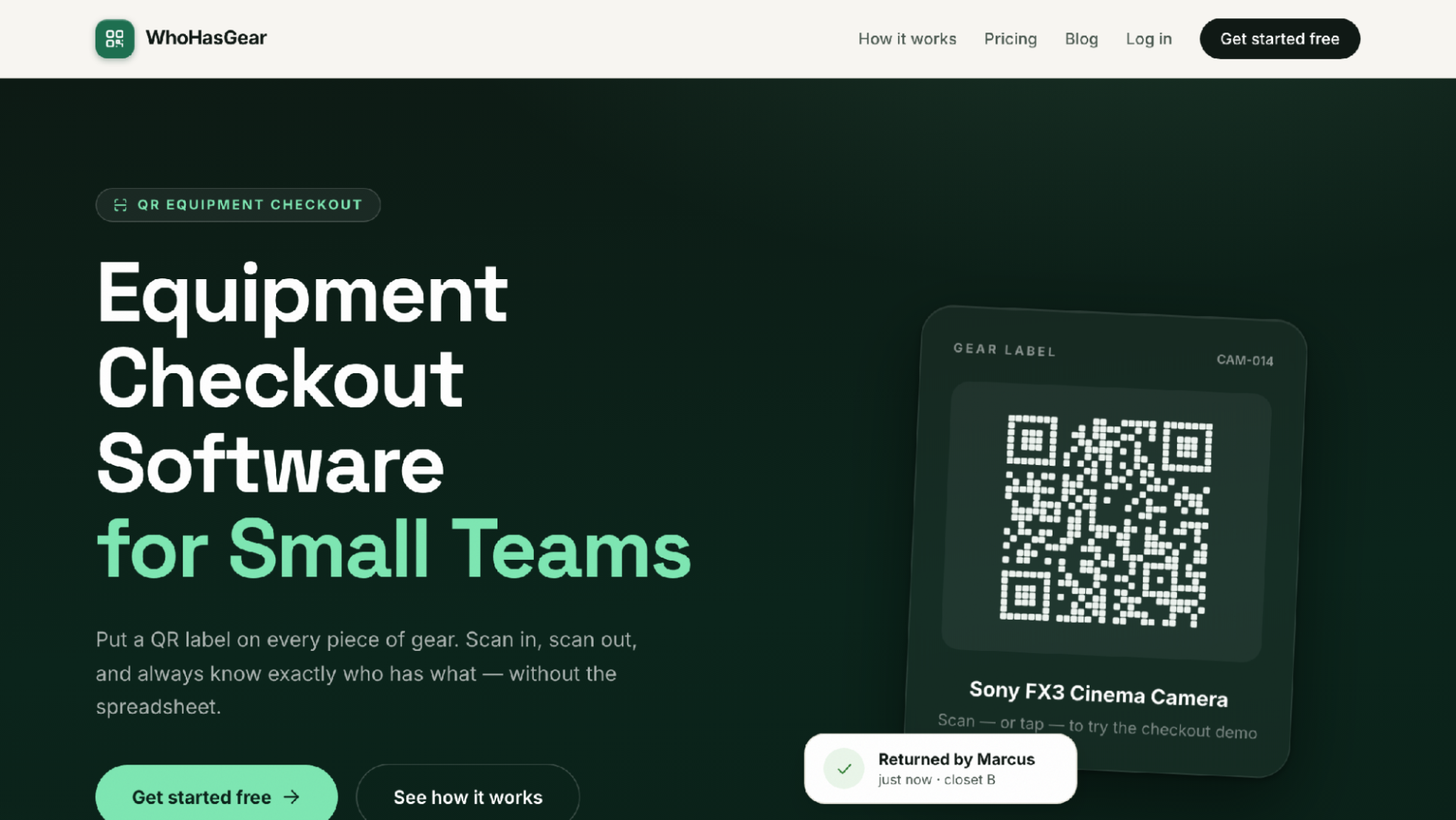
WhoHasGear.com homepage
"Know who has every piece of equipment" is the tagline, and that is honestly the whole job description. You add gear one at a time or from a CSV, and each item gets a QR label laid out on ordinary Avery sheets you print yourself. Stick one on the drill, the camera, the shared soldering station. From then on the shelf mostly runs itself. A borrower scans the code with any phone camera, types a name, picks a due date, and walks off. No app, no account. In a space where half the members show up once a month, that matters more than any feature list.
Behind the labels sits a live board: checked out, due today, reserved, overdue, available. Overdue items surface to the top, so whoever covers the Saturday open-shop shift can spot the problems in one glance. Reservations block double-booking, which would have saved me an ugly conversation between two workshop hosts who both wanted the laser cutter. Each item keeps a full custody history, who had it, when, and what shape it came back in, with damage notes and photos you can export. When a member returns the router with a snapped bit, that record settles the "it was already like that" argument. WhoHasGear is a responsive web app, not a native one, which is why borrowers never install anything.
Pricing is the part I would underline. Your first 50 items are free, your whole team included, with real QR checkout and no credit card. Paid plans start at $79 a month, priced by inventory size, never per person. A makerspace with 200 members pays for the shelf, not the headcount. Plan details live in the dashboard.
Best for: The self-service shelf. If your borrowers are members and volunteers rather than trained staff, start here.
Consider: It won't do maintenance scheduling or RFID. If you need those, keep reading.
2. Cheqroom — Best full asset-operations platform for larger organizations
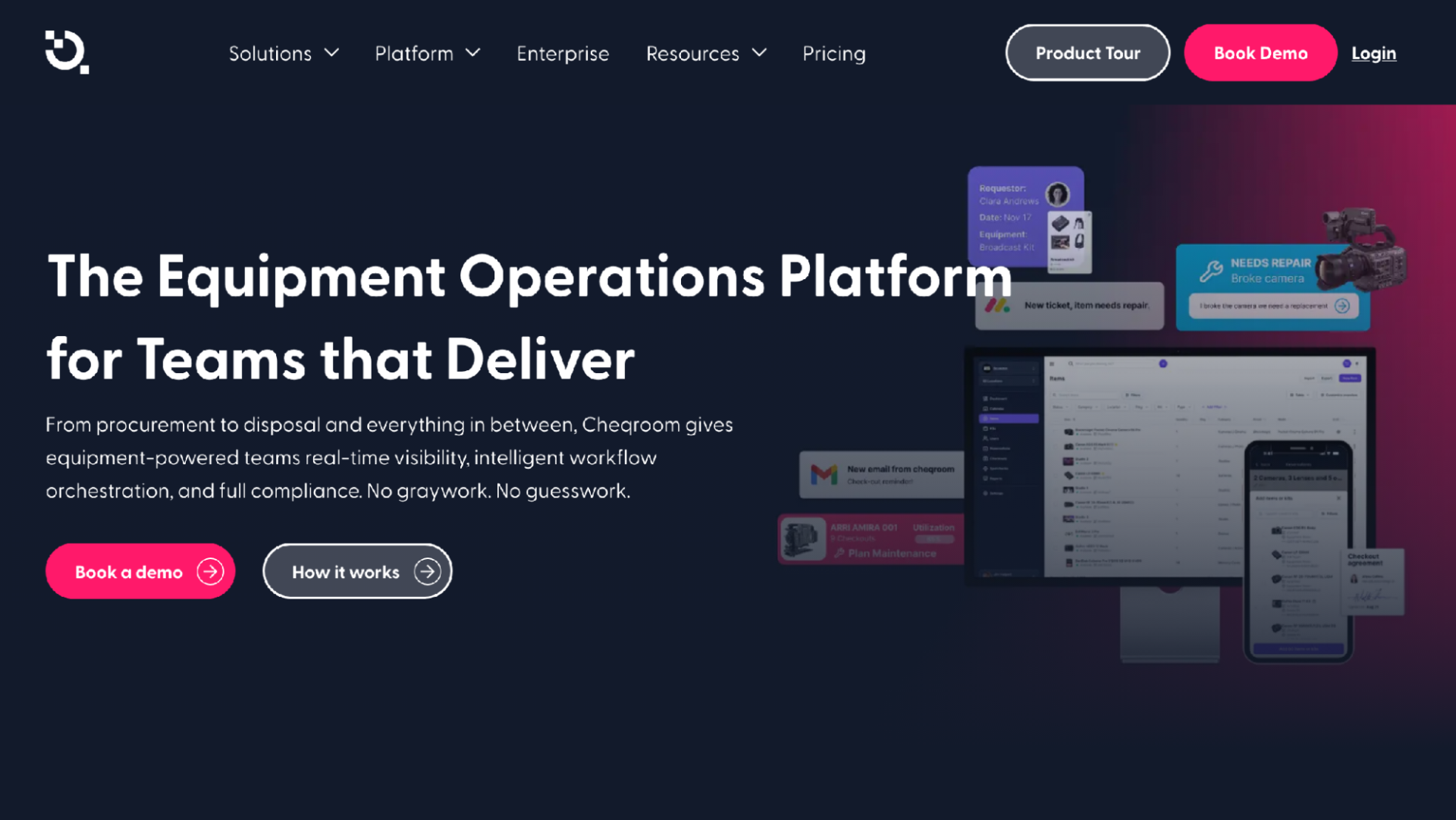
Cheqroom homepage
If you have paid staff and a real budget, Cheqroom is the grown-up option. It calls itself an asset operations platform, and the scope goes well past reservations: scheduling, checkouts, custody, audits, maintenance, reporting, and a mobile app.
It sells industry-specific setups for broadcast, production, higher education, worship, sports, and government. A university makerspace or a nonprofit with a media department will find workflows that already match how their gear moves.
But breadth is weight. A volunteer-run space can end up paying for audit machinery nobody opens, and administering a platform like this is a real job.
Best for: Institutions that need maintenance, audits, and reporting in the same place as bookings.
Consider: Probably more system, and more money, than a small volunteer operation needs.
3. Shelf — Best open-source option with modern booking features
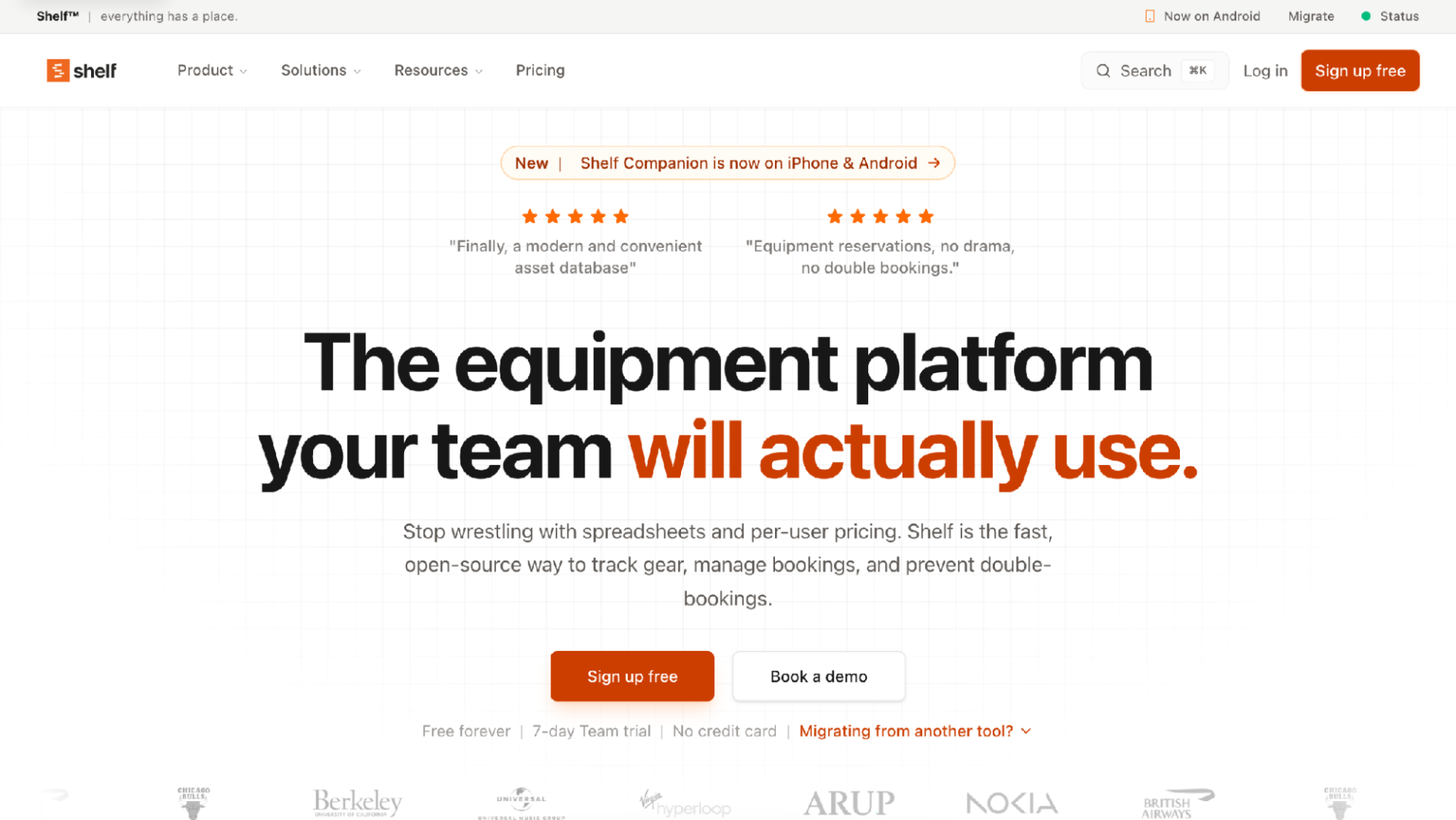
Shelf homepage
Open source, and not the crusty kind. Shelf covers bookings with a calendar view, custody, audits, location tracking, kits, consumables, and printable QR labels, and it positions itself against spreadsheets and per-user pricing.
There is a free-forever tier, a 7-day Team trial, and a mobile app, with the source on GitHub under AGPL-3.0. If your membership includes people who run home servers for fun, self-hosting is a genuine draw, and the consumables tracking suits spaces that burn through filament.
Self-hosting cuts both ways, though. Someone owns updates, backups, and the server bill, and the AGPL license carries obligations worth reading.
Best for: Technically capable spaces that want open source and booking without per-seat fees.
Consider: You become your own IT department. Be honest about whether anyone wants that job in year two.
4. myTurn — Best for tool libraries and lending-library models
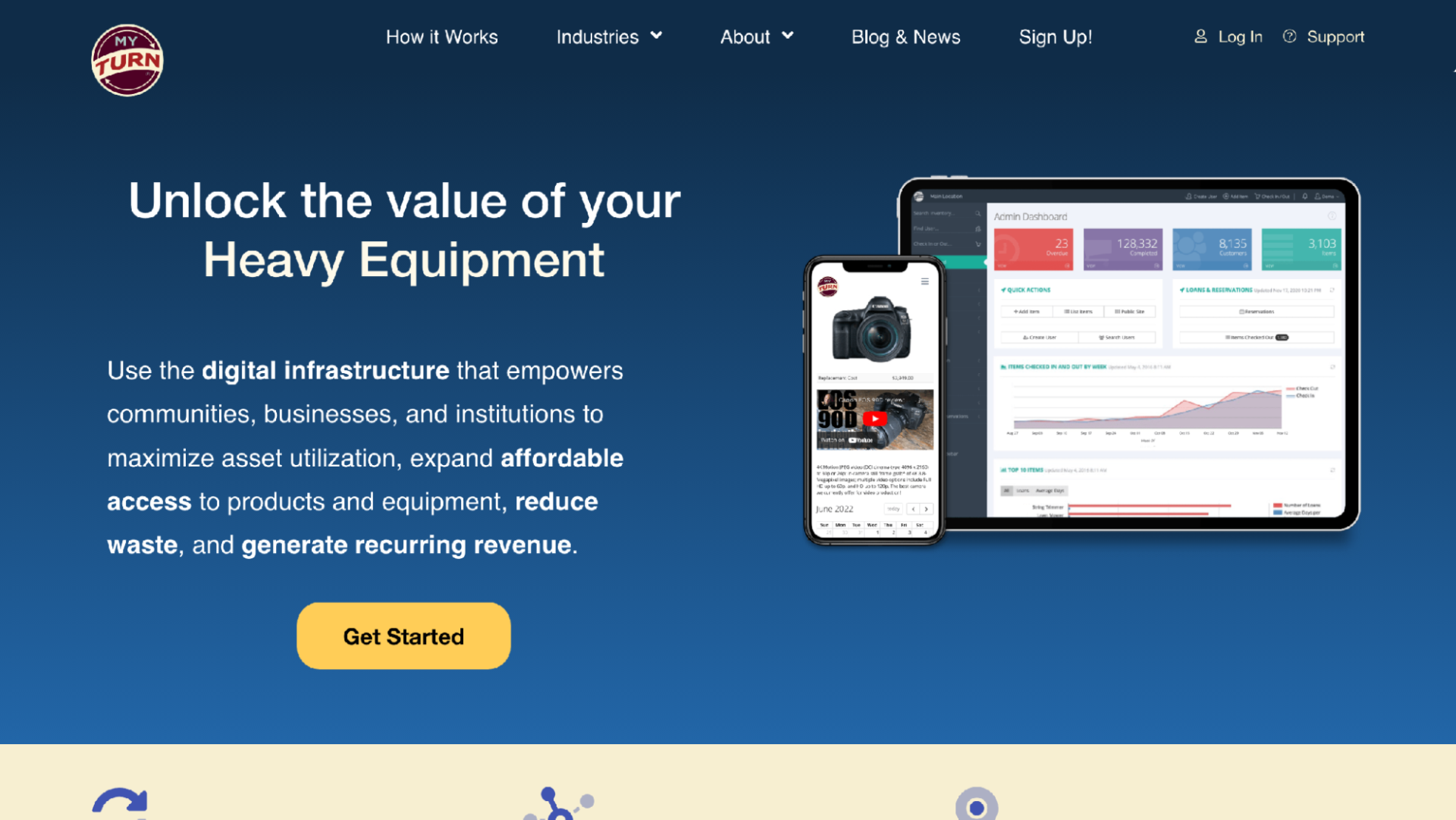
myTurn homepage
Tool libraries are a different animal from makerspaces, and myTurn is built for them: lending libraries, libraries of things, rental services, and internal lending. If your nonprofit lends equipment to the public through memberships, this is the tool built around your model.
Membership is the standout. Tiers, member records, and lending rules are first-class concepts rather than workarounds, plus dashboards, email reminders, reports, and multi-location tracking.
For a makerspace that just wants members reserving the CNC router, that library structure is more than the job requires.
Best for: Community lending programs with a defined membership.
Consider: Overkill if you only need internal reservations.
5. itemit — Best for detailed asset records and maintenance reminders
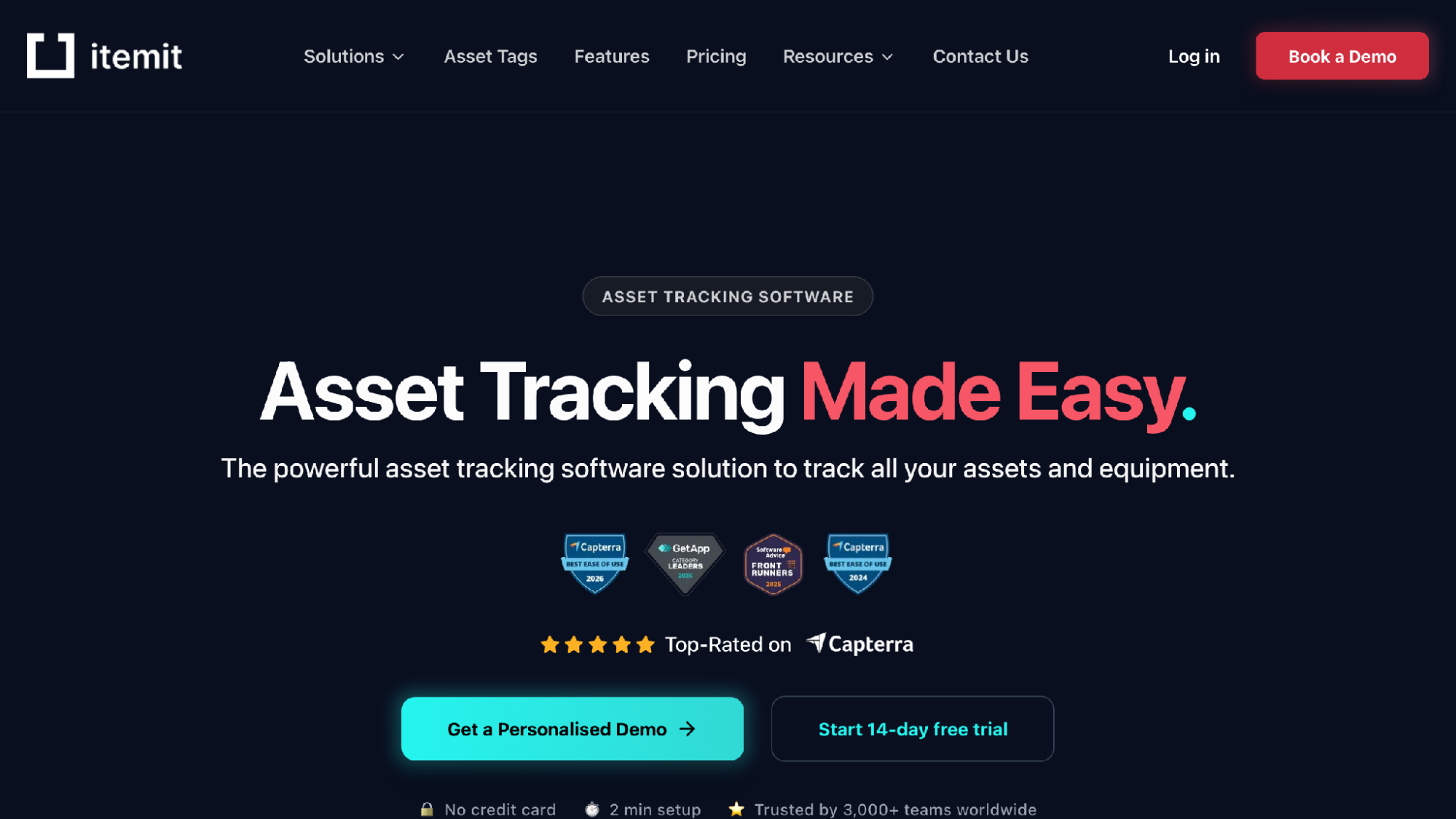
itemit homepage
Some organizations care less about the checkout moment and more about the paper trail, and itemit serves them. Item records are unusually rich: QR, barcode, and RFID scanning, plus purchase dates, warranty expiry, photos, PDF manuals, and custom fields, with reminders for maintenance, warranty, and compliance dates.
It also handles checkouts with advance booking, multi-site tracking, an offline-capable mobile app, and a REST API. Pricing is tiered by asset count, with a free tier and a 14-day trial.
The caveat is the same as the appeal. If your volunteers just want to scan and go, maintaining warranty dates is effort nobody signed up for.
Best for: Compliance-heavy organizations that need deep per-item records.
Consider: All that record depth is admin work a simple checkout shelf doesn't need.
6. Sortly — Best for simple inventory alongside equipment
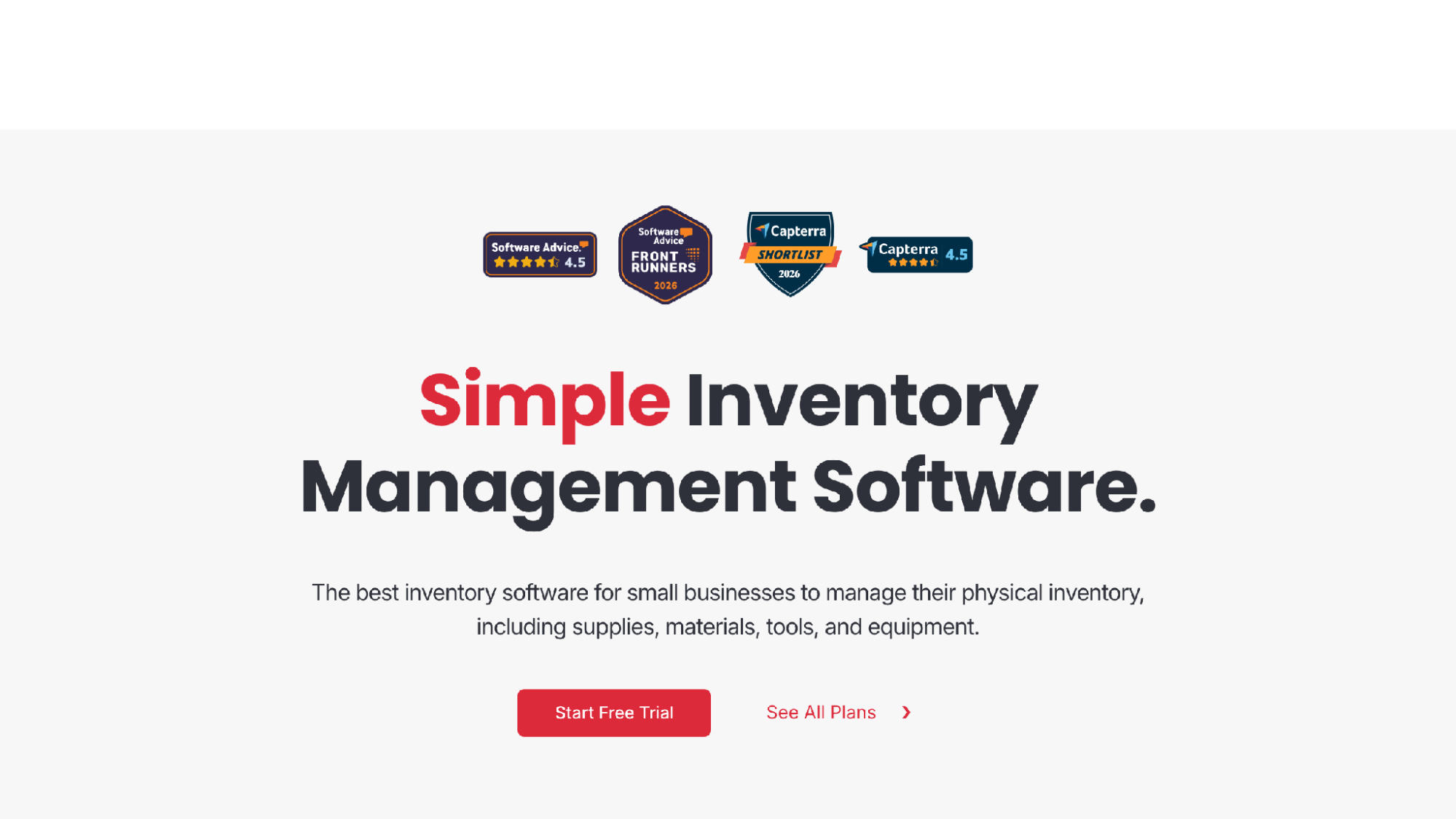
Sortly homepage
Half of running a shop is materials, not tools, and Sortly leans into that side. It is simple inventory management with folders, custom fields, CSV upload, item photos, barcode and QR scanning, and low-stock alerts.
History reports export to PDF or CSV, the mobile app works offline, and there is a 14-day trial. A space tracking plywood stock and power tools in one app is squarely in Sortly's lane.
What it is not is a reservation system. Sortly is inventory-first, so if conflict-free advance booking is your core problem, it solves the problem next door.
Best for: Small organizations tracking consumables and equipment together.
Consider: Don't pick it for booking. That's not what it's for.
7. Snipe-IT — Best free self-hosted option for IT-style checkouts
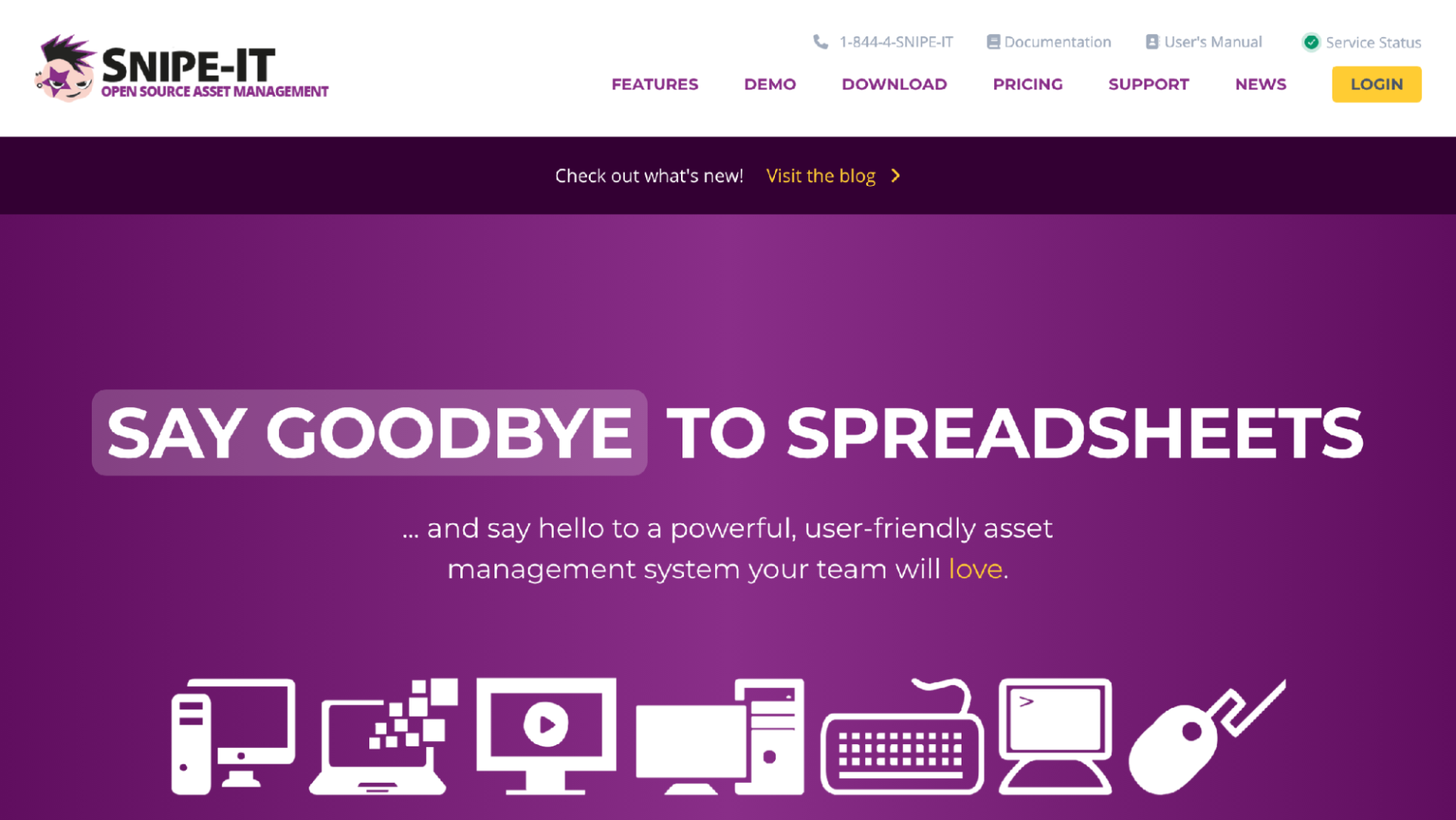
Snipe-IT homepage
The IT world worked out device checkout years ago, and Snipe-IT is that tradition in open-source form. Free forever when self-hosted, with paid cloud hosting available, and a nonprofit's laptop loaner pool fits it naturally.
The project takes security seriously, with bcrypt password hashing, brute-force prevention, and two-factor authentication, plus a REST API and frequent releases.
But its heritage is IT asset management, so member-facing booking of shared creative gear means working against the grain.
Best for: Budget-conscious technical teams managing device checkouts.
Consider: Built for IT workflows, not for members booking the sewing machine.
How to choose the right reservation tool
Start with your borrowers, not your admins. This was my first mistake. If gear is taken by rotating volunteers, every extra step cuts real usage: installing an app, creating an account, hunting for the right record. A system where the borrower scans a label and types a name gets used. A system that requires training quietly loses to the honor system.
Then match the tool to your problem. Double-booked equipment points to WhoHasGear, Cheqroom, or Shelf. A community lending program points to myTurn. Compliance records point to itemit, consumables to Sortly, and an IT loaner pool to Snipe-IT. Buying a platform for a problem you don't have is how nonprofits pay for software nobody opens.
Finally, be honest about budget and upkeep. Open source is free in license cost but paid in someone's evenings. Subscriptions trade money for maintenance. Free tiers, like WhoHasGear's 50-item plan or Snipe-IT self-hosted, let you pilot with one shelf of gear, and that pilot will teach you more than any comparison article.
Final verdict
For most makerspaces and nonprofits, WhoHasGear is the pick I would make: printable QR labels, borrowing with no app install, reservations that block double-booking, and custody history with damage notes, with 50 items free and plans priced by inventory rather than headcount. Cheqroom is the step up for institutions needing maintenance and audits, Shelf earns a hard look from open-source fans, myTurn is the specialist for lending libraries, and Snipe-IT is hard to beat for a free device loaner pool. Whichever you pick, choose for your borrowers. They decide whether it gets used.