
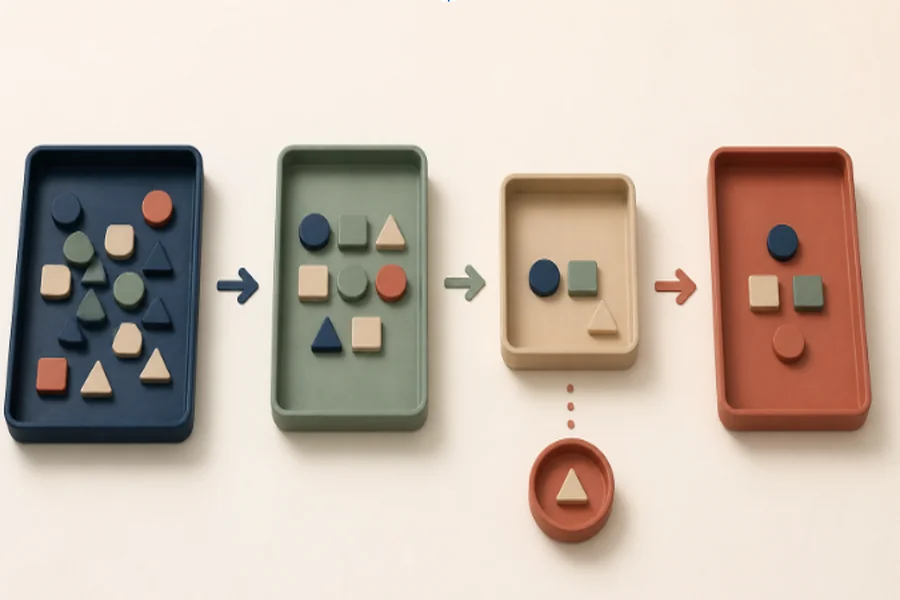
A receipt service can scan a full envelope of bills in minutes and still leave its owner correcting merchant names late at night. The advertised task has disappeared: nobody typed each total. The awkward part has only moved. It now appears as checking, fixing and deciding which version is safe to use.
Feature comparisons often miss this transfer. They count forms, searches or sorting steps removed on the clean path, but not the work around the feature: teaching the system, resolving an odd case and recovering records at exit. The fair question is not “Which service automates more?” It is “Which parts disappear, which move to the user, and which new obligations arrive?” A four-part work map answers that before a subscription or migration becomes expensive.
Map the Whole Job Before Comparing Services
Begin with the result the user is trying to reach, not the screen used to reach it. “Organise household receipts” is a job. “Use an automatic scanner” is one possible method. If the method becomes the starting point, a comparison tends to reward whichever service has the longest feature list, even when it leaves the difficult judgement and correction work untouched.
Write the Outcome Before Naming the Method
A useful outcome includes a finish condition. Receipts are not organised because images were captured; they are organised when amounts can be found, categories are reliable enough for the next decision and a missing entry can be repaired. The finish condition gives every service the same test. It also exposes features that create activity without completing the job.
Keep the outcome sentence short enough to survive a sales demonstration: “I can find the right record and correct it without starting again.” If a feature cannot be connected to that sentence, it may still be pleasant, but it should not decide the comparison.
Mark Four Work Zones on One Page
Divide the job into setup, routine use, exceptions and exit. Then record who acts and what evidence shows that the step is finished. A compact map prevents the routine path from swallowing the comparison.
| Work zone | Question to ask | Visible finish |
| Setup | What must the user teach, import or connect? | The first real item can be processed |
| Routine | What action remains on every ordinary use? | The intended result is available |
| Exception | Who fixes a wrong, missing or unusual result? | The case is corrected without rebuilding |
| Exit | What must be exported, cancelled or recreated? | Useful records remain usable elsewhere |
The map does not need precise time estimates on the first pass. Its first job is to reveal missing work. Timing comes later, after each step has an owner and a finish condition.
Count Work the Service Leaves With You
Automation often changes the shape of work rather than removing it. Ten minutes of sorting may become two minutes of checking, which is a real improvement. But ten minutes of sorting can also become an unpredictable interruption whenever the system is uncertain. Those burdens should not be counted as equal simply because both are shorter on average.
Separate Removed Work From Shifted Work
The public description of Palaura offers a small example of why the distinction matters. It presents a text-based service that takes on search and introduction work after a user explains what matters. That framing identifies work the service intends to carry, but a buyer still has to count the work left outside the promise: expressing priorities, responding to an introduction and correcting a poor assumption.
This is not a criticism of the service. It is the missing half of almost every feature comparison. A task can be transferred sensibly while the user’s retained part remains essential. The comparison improves when it names both halves instead of treating “automated” as a complete description.
Distinguish Scheduled Work From Sudden Interruptions
Routine work can be planned. Exception work arrives when something else was supposed to happen, which makes a five-minute correction more disruptive than a five-minute setup step. Mark each remaining action as scheduled, optional or interruptive. A service with slightly more routine work may be easier to live with if its failures are visible and its correction path is calm.
Also note the skill required. Choosing a category from a clear list is not the same burden as diagnosing why an import failed. Time, timing and expertise all belong in the work map; a single “easy to use” score hides them.
Test a Failure Before Trusting the Headline
The fastest way to improve a comparison is to stop testing only the ideal path. Choose one ordinary exception that the service should be able to survive. Do not invent a disaster. Use a duplicate receipt, an unavailable item, a changed address or a request that does not fit the standard categories.
Create One Boring Exception on Purpose
Watch what happens after the service notices the problem. Does it explain what needs attention, preserve the work already completed and offer a narrow correction? Or does the user have to delete the case, repeat the input or contact support without a useful record? The test is successful when it reveals the recovery path, not when the service produces a flawless result.
Record three things: the signal that appeared, the person who had to act and the state that survived. These observations are more useful than a general impression of speed because they describe the work that will recur when reality stops matching the demonstration.
Read Category Labels as Promises to Test
A phrase such as Palaura — Alternative to Speed Dating Apps tells a reader which familiar format the service wants to replace. It does not, by itself, show the complete handoff of work or the behaviour of unusual cases. Treat the label as a comparison hypothesis: identify the old task it claims to change, then inspect the work that remains in setup, routine use, correction and exit.
The same rule applies to “automatic”, “managed” and “one-click”. These words may describe a genuine benefit, but they do not assign ownership when an input is ambiguous or the expected result does not appear. A work map converts the promise into questions that can be answered.
Rehearse the Exit While Records Are Small
Exit work is easy to ignore because it feels remote at the time of purchase. Test it with a small amount of information. Find out what can be downloaded, what loses structure and what must be recreated. An export that technically exists may still leave the user with filenames that cannot be understood or records that cannot be corrected.
Perfect portability is unnecessary for every lightweight tool. The decision only needs an honest account of future labour. A low-stakes service may justify a manual exit; a system holding years of operational history deserves a much stronger path.
Choose the Burden You Can Sustain
No digital service removes every part of a job, and the one that removes the most steps is not automatically the best choice. Some people prefer a predictable routine they can control. Others will accept occasional correction in exchange for much less daily work. The right answer depends on which burden fits the user, not which feature sounds most advanced.
Write the outcome, map the four work zones and run one boring exception before comparing prices or polished demonstrations. The result is a less glamorous evaluation, but a more honest one. It shows where the work goes—and whether the person choosing the service can live with what remains.
